
Sudoku for iPhone and iPad
Quiet focus.
Zero clutter.
A calm sudoku with no ads, no sign-up and no internet needed. Built by one developer for the few quiet minutes you get in a day.
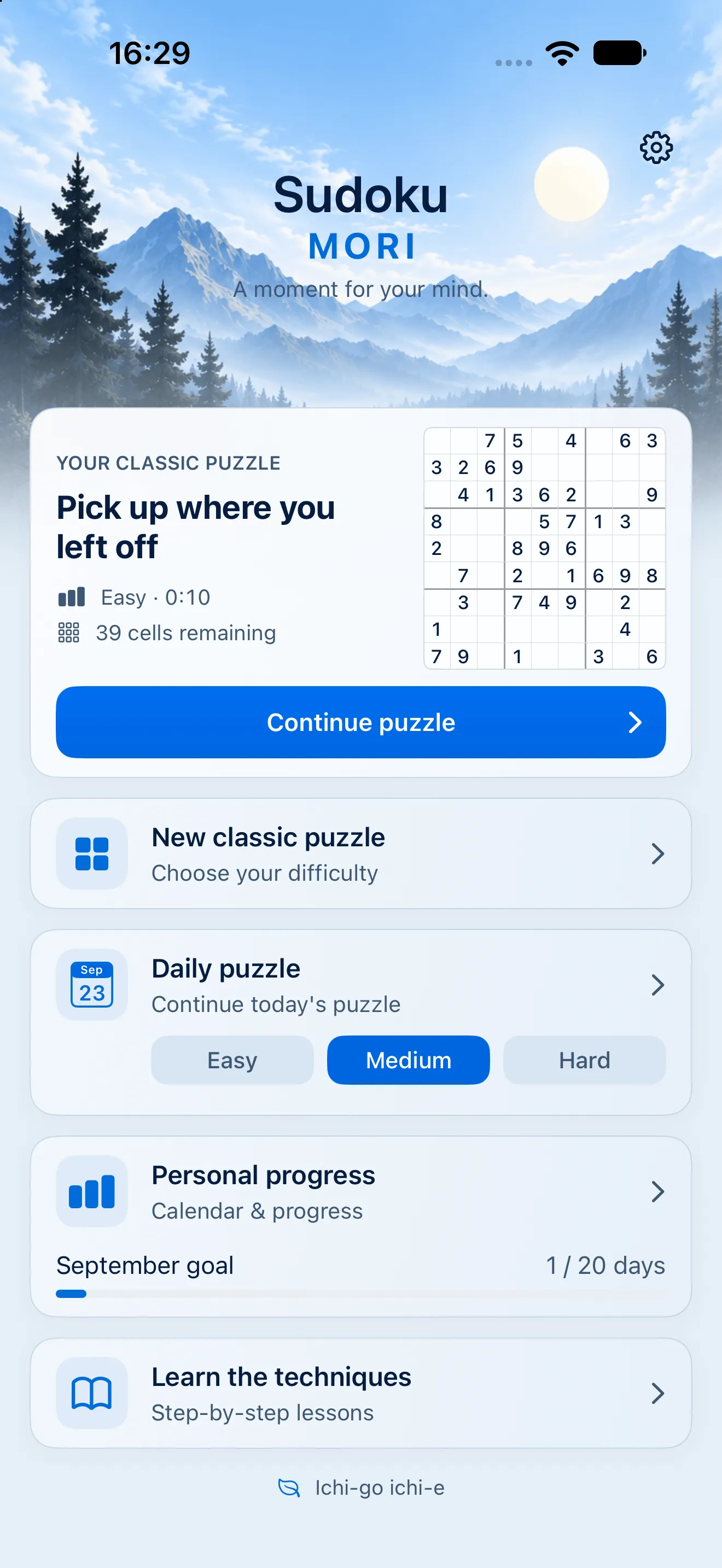
Light 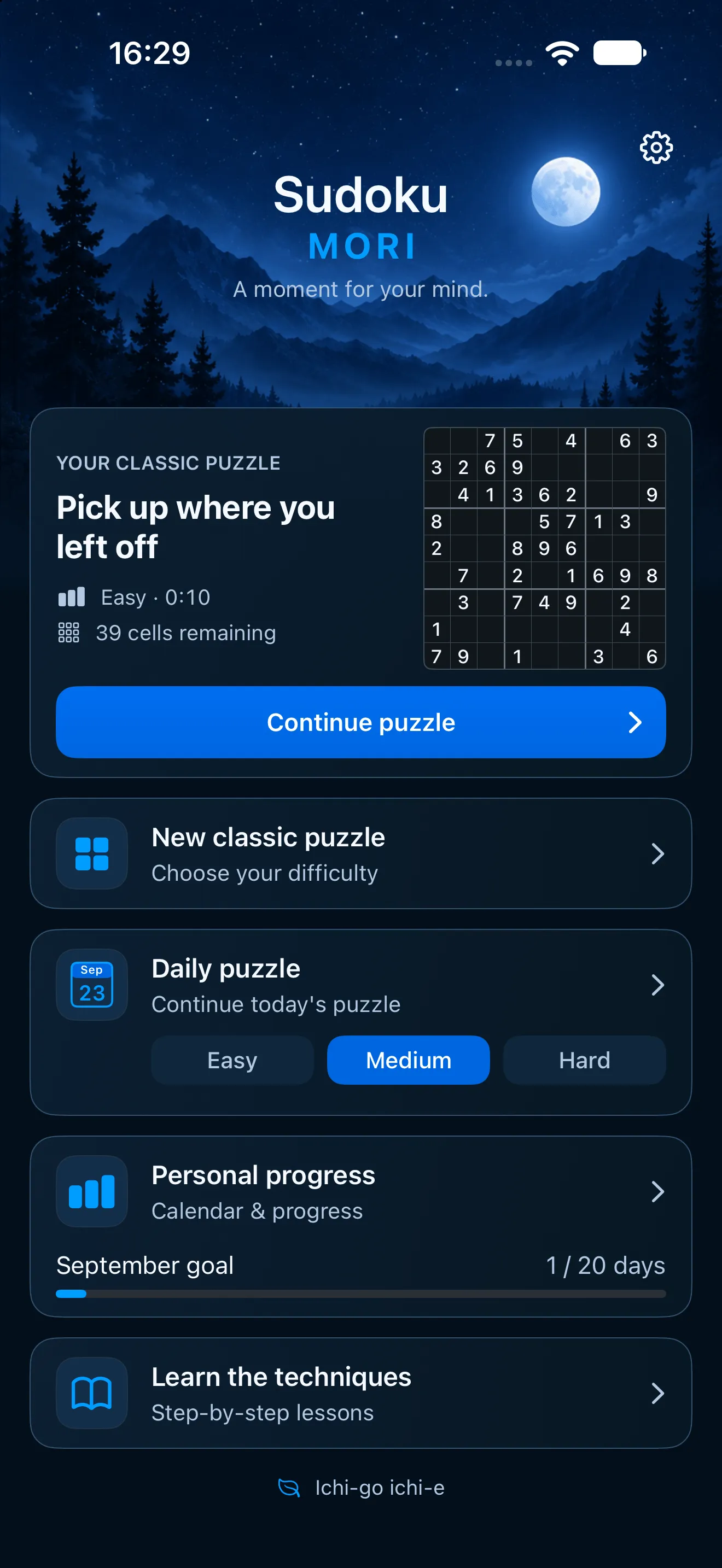
Dark


The board
Every number, one tap away.
Big keys for your thumb and controls that stay put. Press and hold a number to keep it highlighted while you scan the grid.
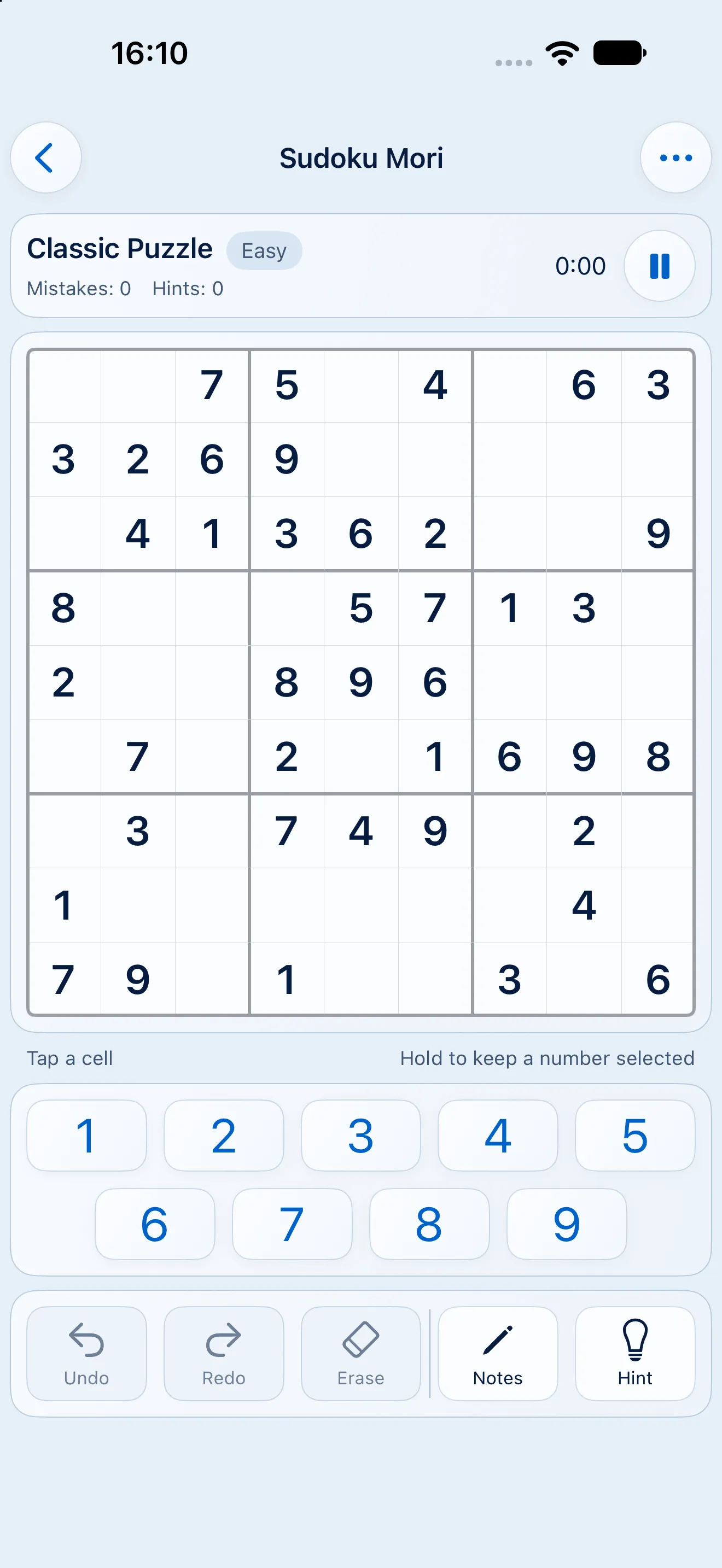
Light 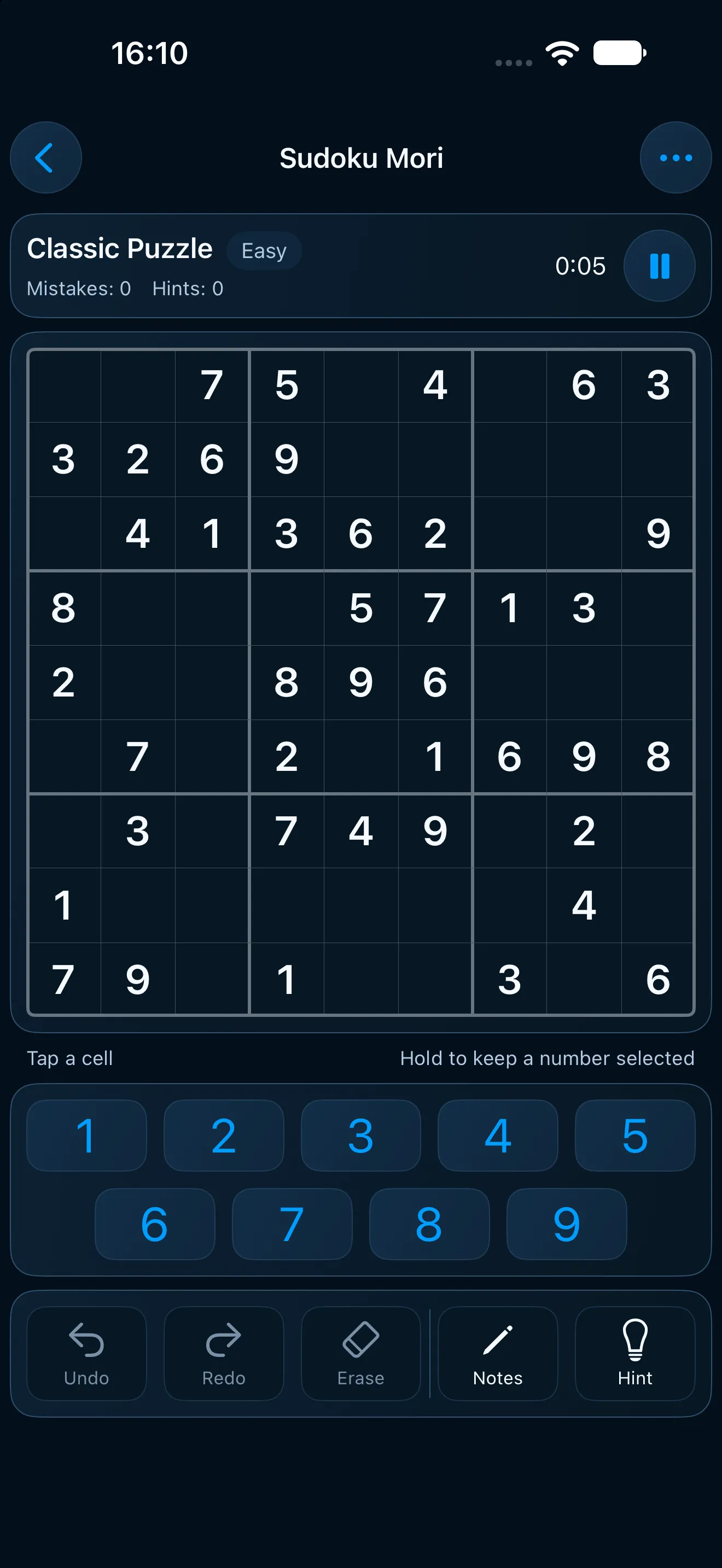
Dark


Sudoku should feel like your morning coffee, not a slot machine.
What's inside
Why it feels calm.
Nothing in the way
No ads, no pop-ups, no account. Open the app and your puzzle is right where you left it.
Plays offline
On a plane, on the subway, anywhere. Your progress stays on your device, and syncs through your own iCloud if you turn it on.
One-handed controls
Undo, redo, erase, notes and hints sit right under the board, where your thumb already is.
Notes that clear themselves
Place a number and the matching pencil marks disappear from its row, column and box.
Progress without pressure
A daily puzzle, a monthly goal and a streak. Miss a day and nothing bad happens.
A proper native app
Written in Swift and SwiftUI, with Dynamic Type, higher contrast and haptics you can switch off.
Technique lessons
Hints that show you why.
Stuck? The hint names the technique behind the next move, so you learn something instead of just filling in a cell. Eight lessons take you from single candidates to X-Wing, each with a worked example and three practice puzzles.
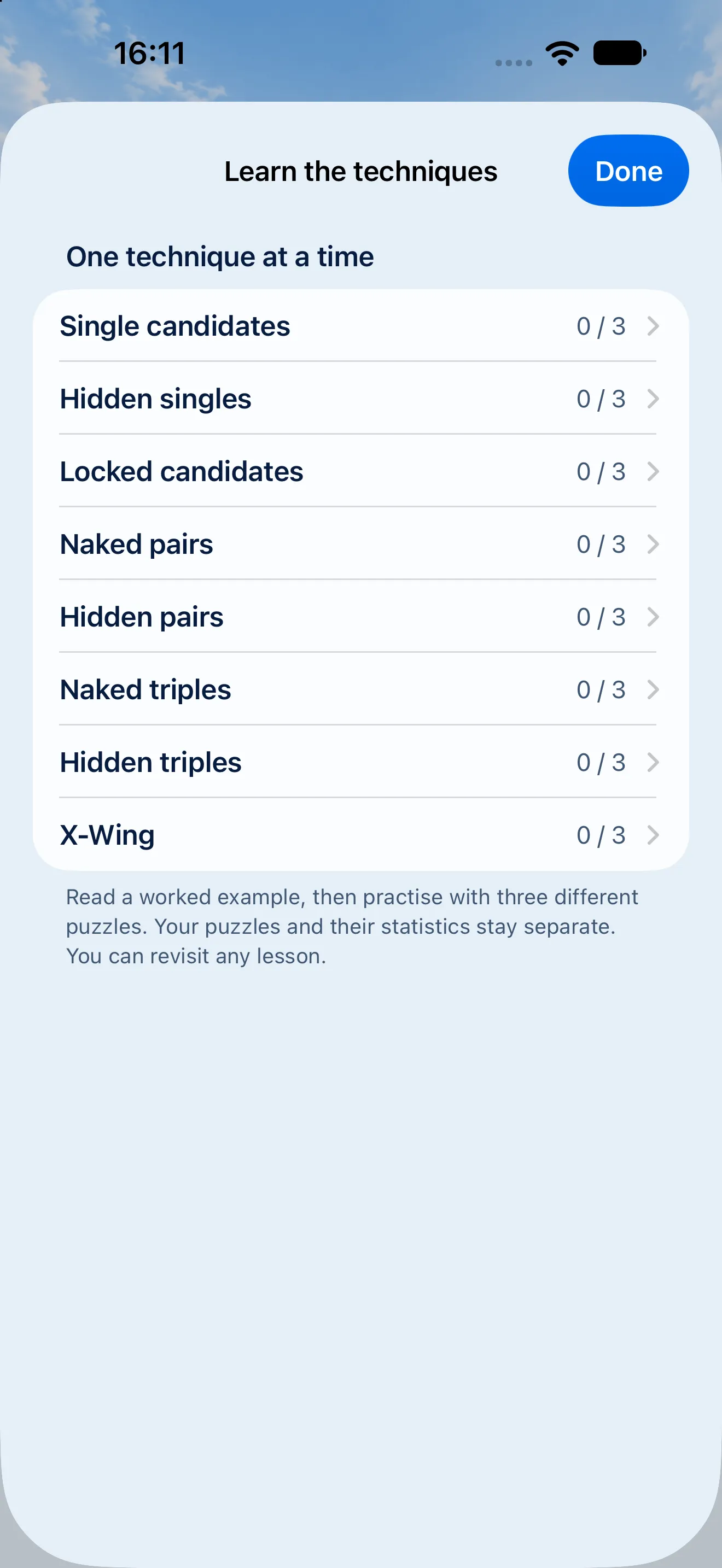
Light 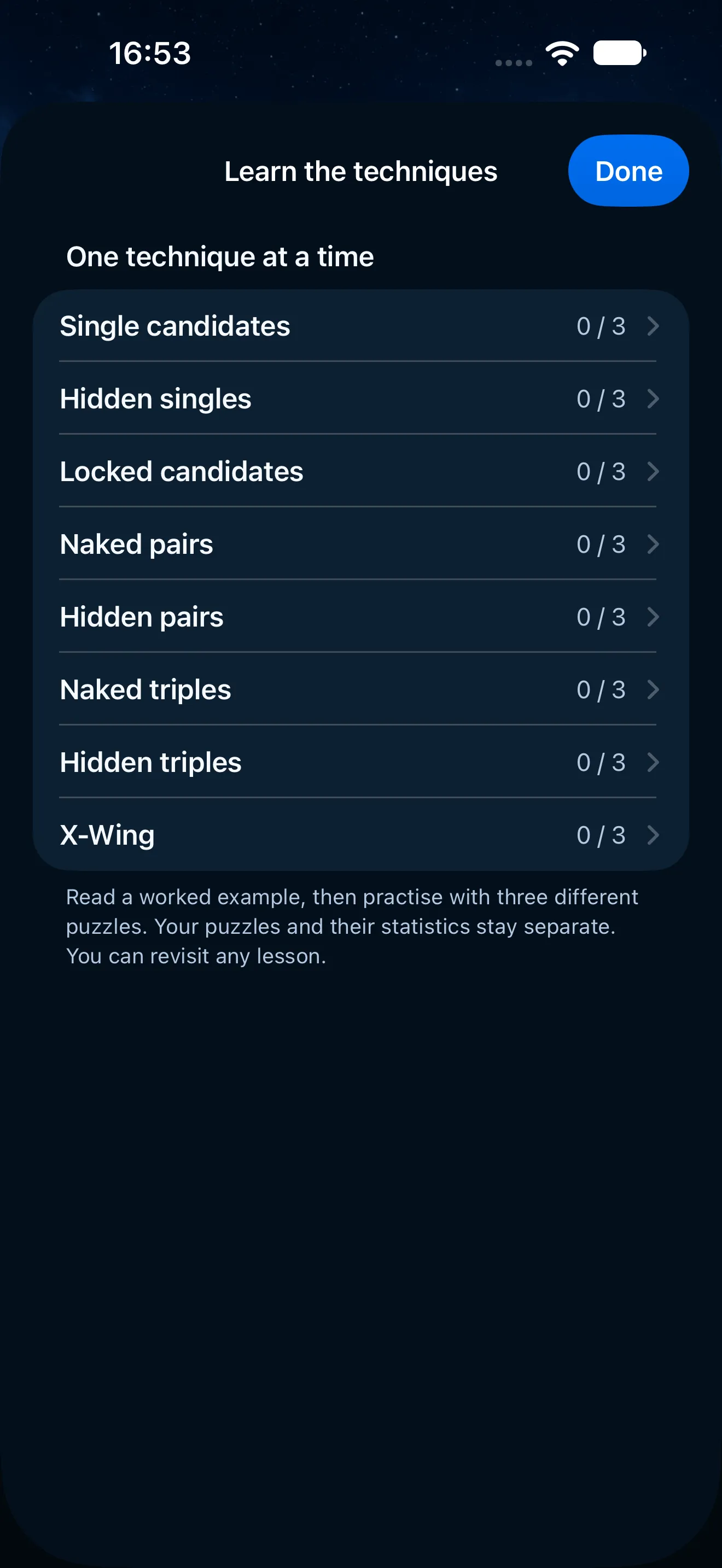
Dark


Two ways to play
Take your time, or take the test.
Relaxed gives you unlimited mistakes and explains its hints. Challenge gives you three strikes and a running clock. Either way, a calendar keeps track of the days you've solved, with a monthly goal if you want one.
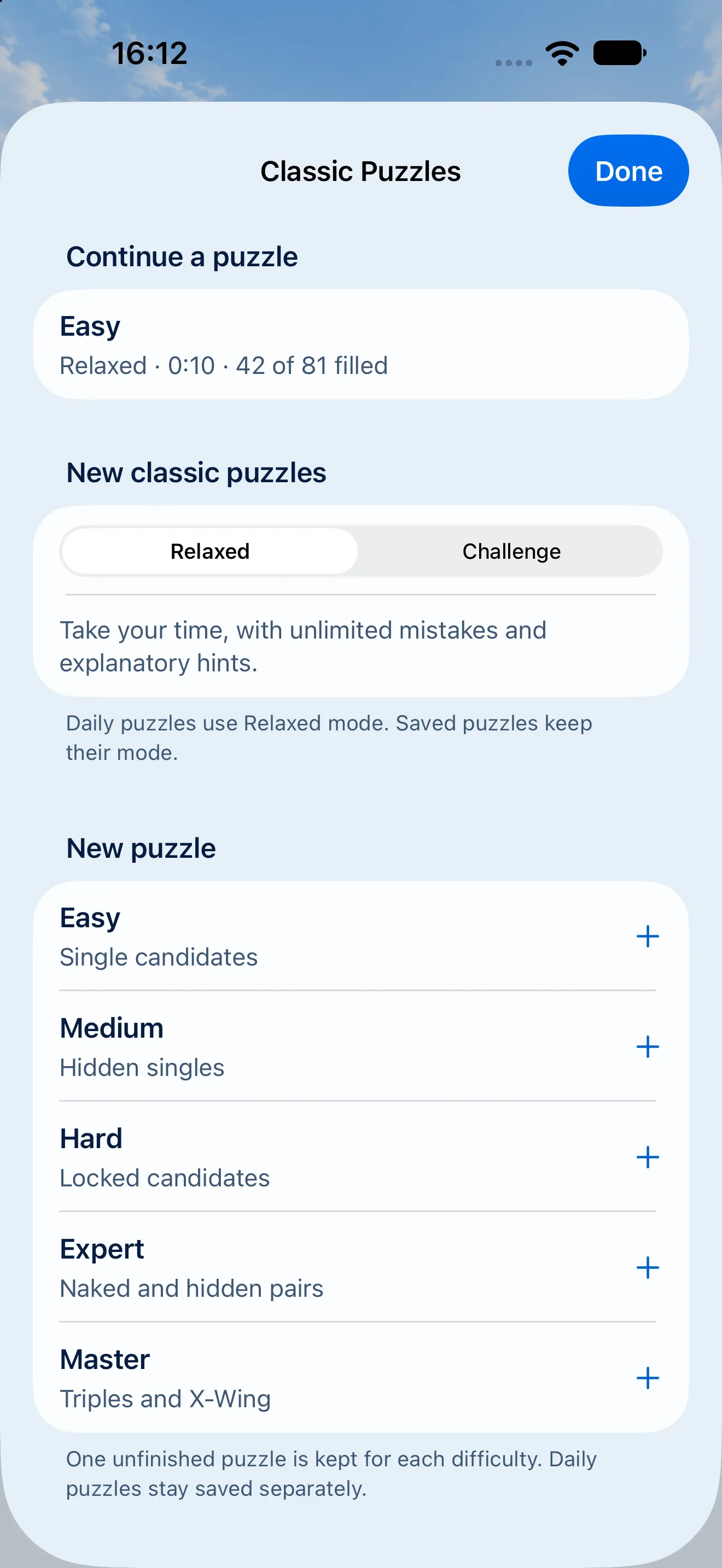
Modes 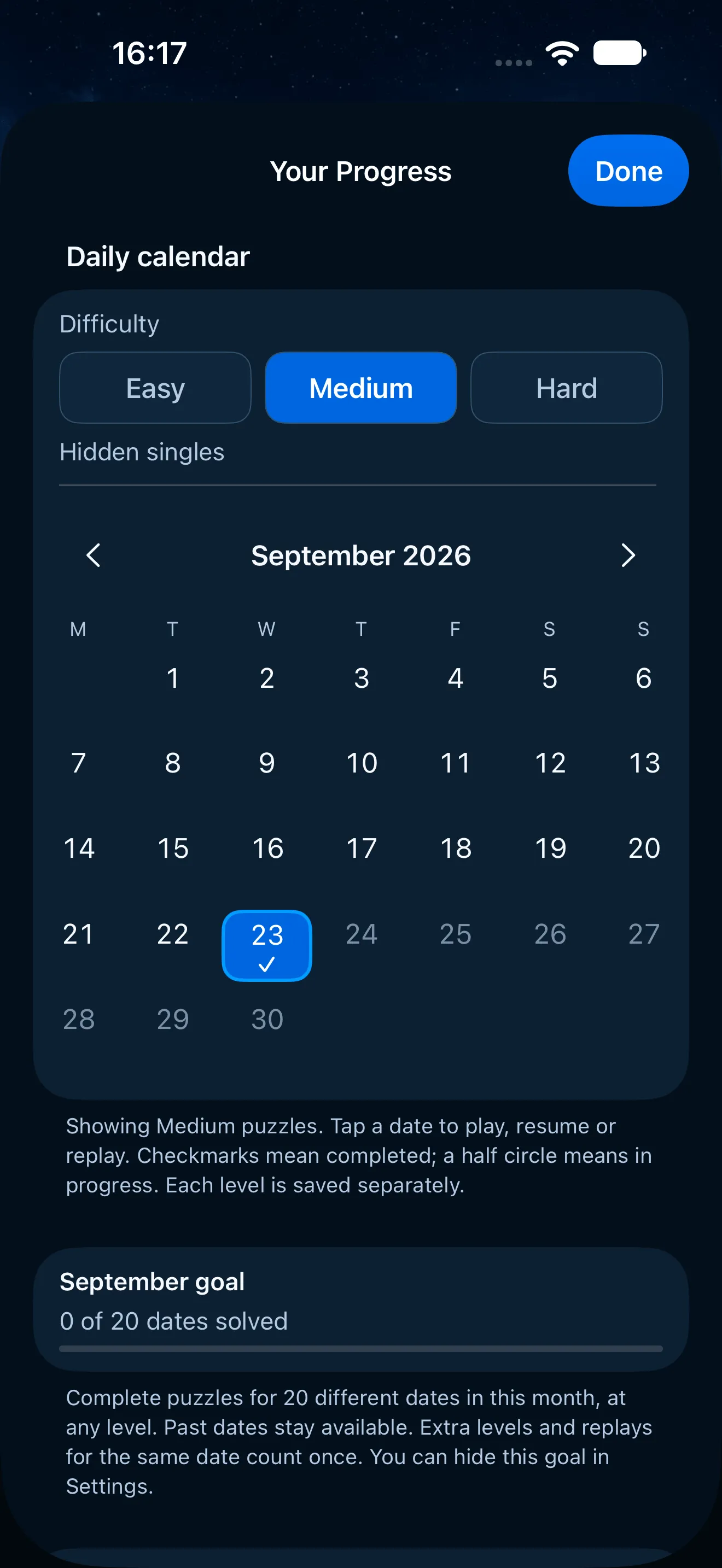
Progress


The bigger screen
Made for iPad, not stretched to fit.
The board on one side, the keypad and controls on the other, so your hand never covers the grid. Left-handed? Flip it.
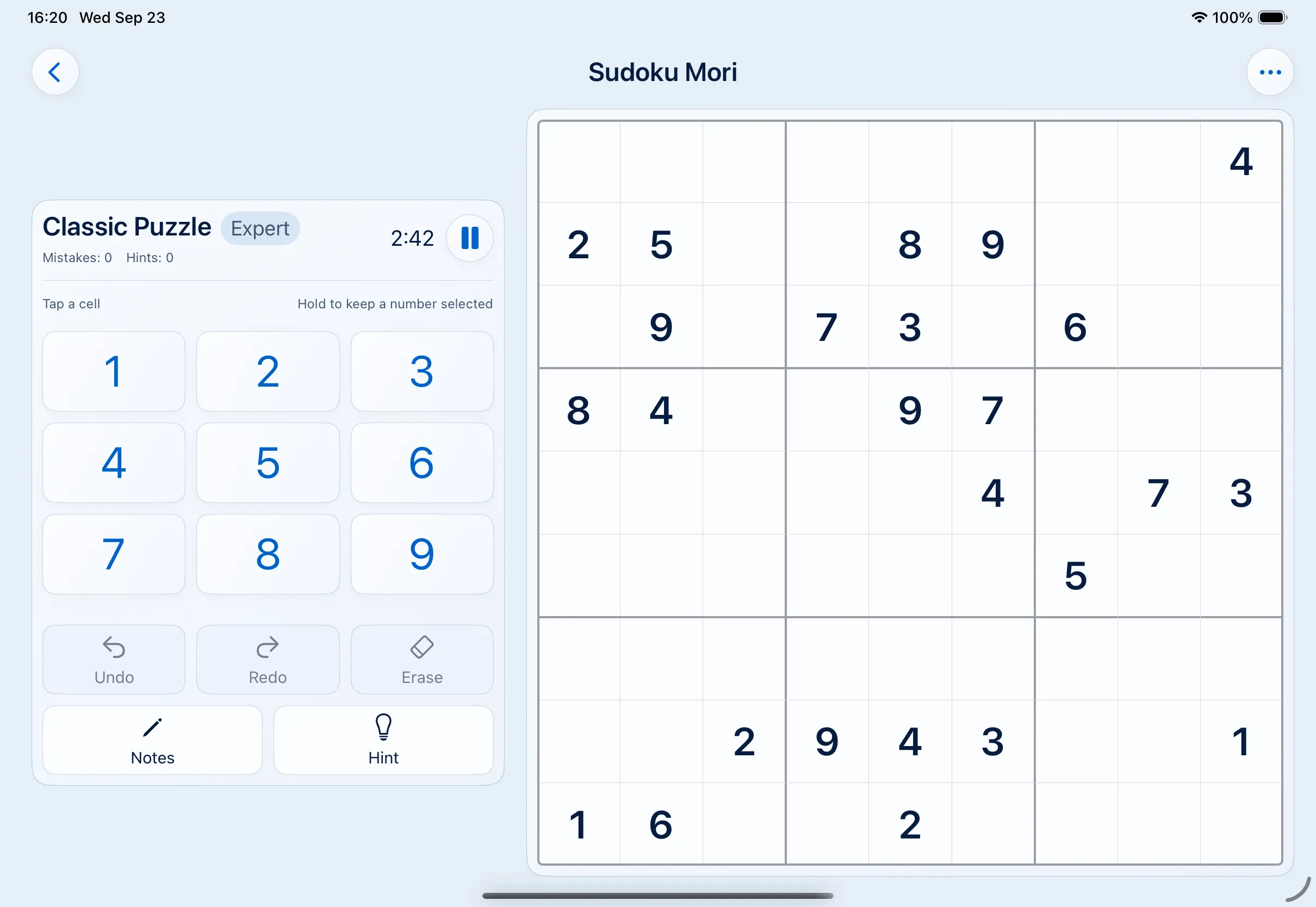
Left-handed · Light 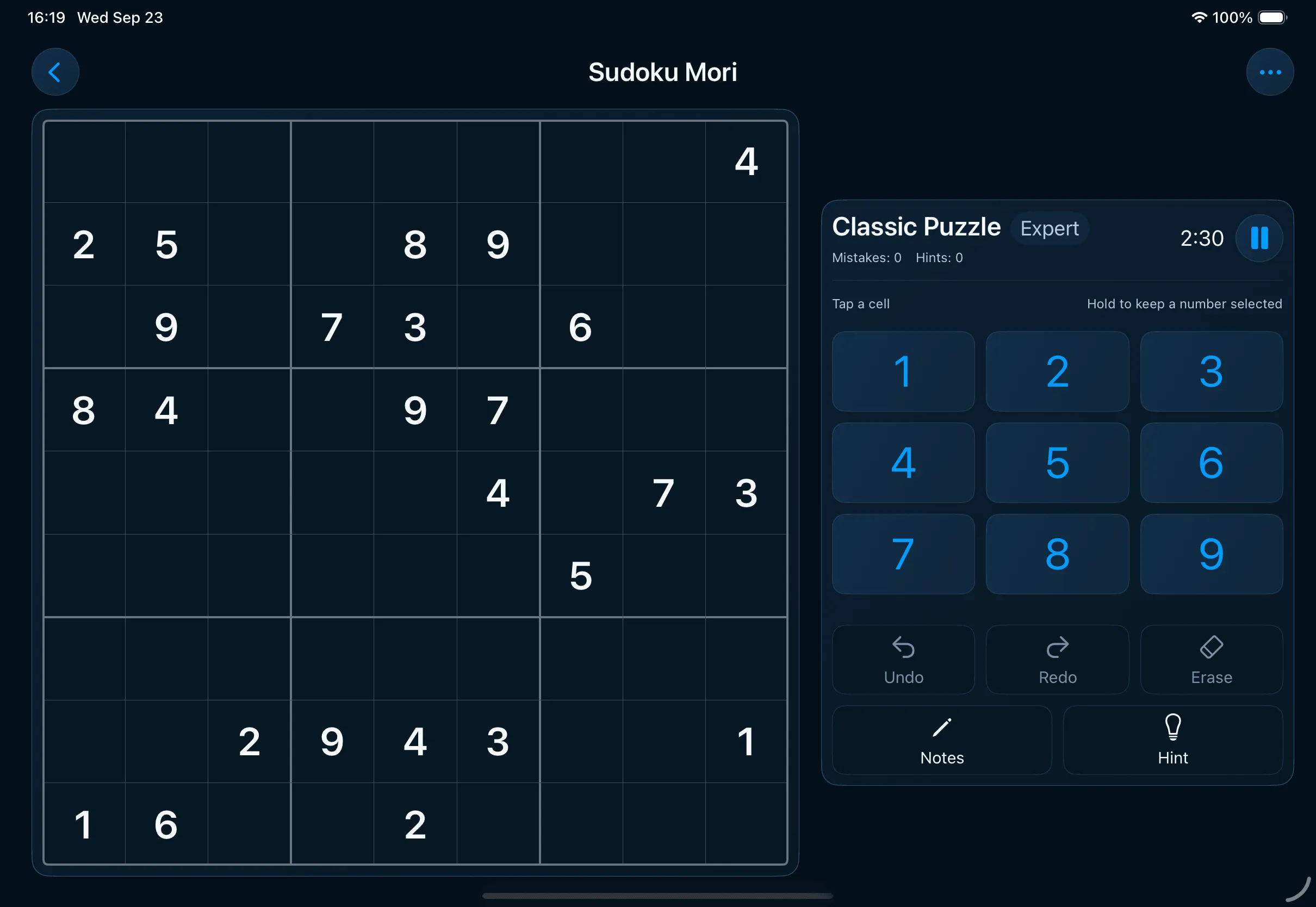
Right-handed · Dark


Take a quiet moment today.
Sudoku Mori is in beta on TestFlight. Play it, tell me what to fix, and help shape it before it reaches the App Store.