
TestFlight beta
Play Sudoku Mori before it reaches the App Store.
The game is playable but not quite finished. The beta gets you the current build on your own iPhone or iPad, with the board, the lessons and the iPad layout already in.
TestFlight is Apple's app for testing apps before release. It's free, joining takes about a minute, and you can leave any time.
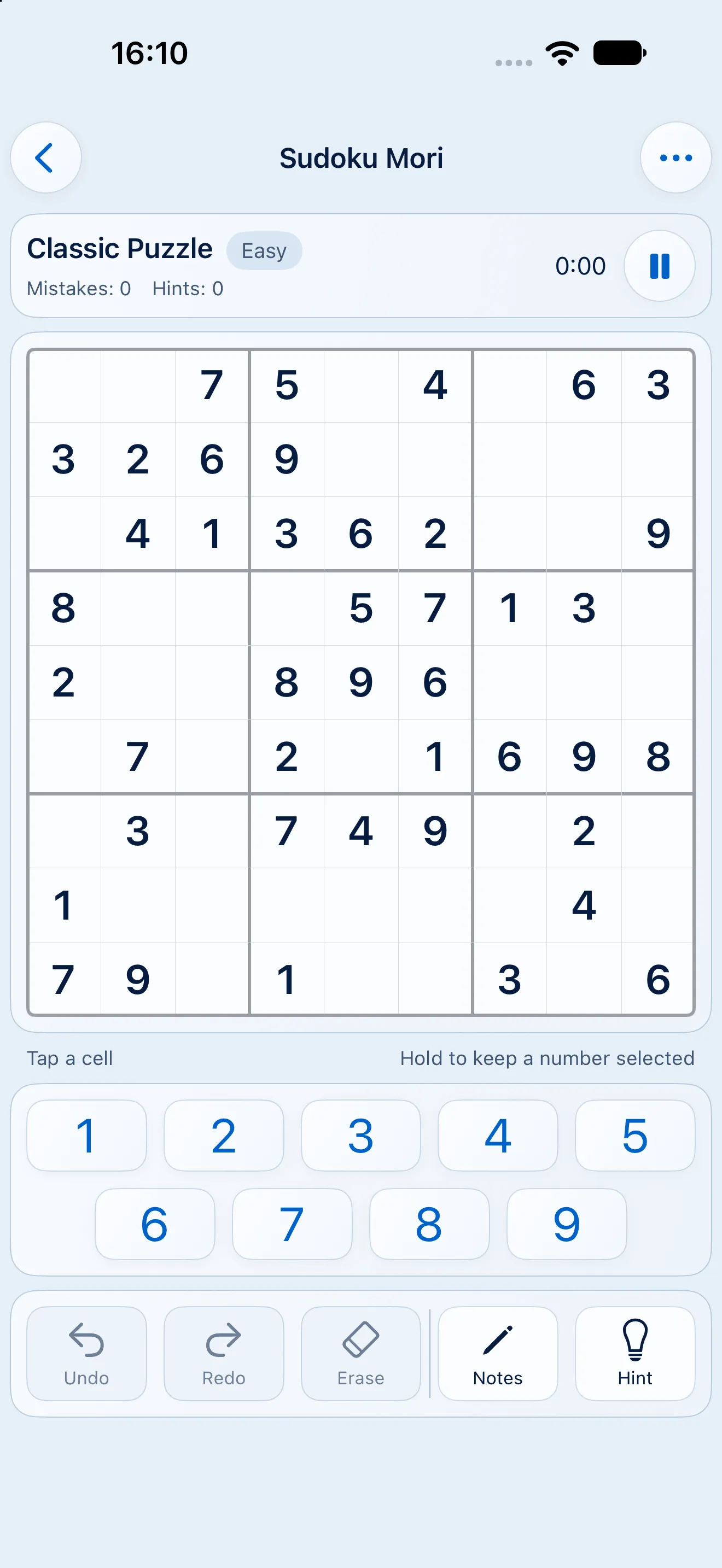
Light 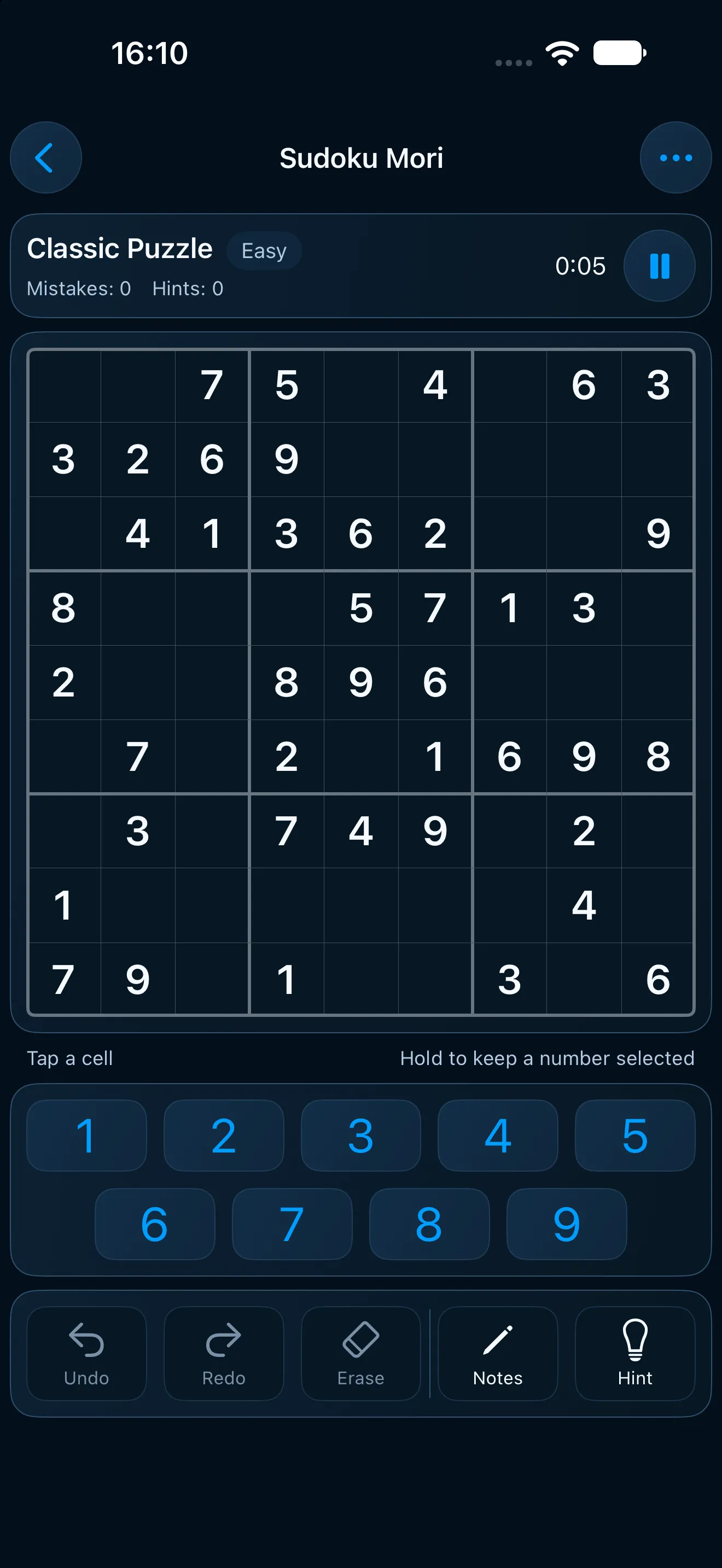
Dark


What's in it
The whole game, before it's finished.
No demo, no cut-down version. It's the full game, with a few rough edges still being sanded down.
The board, as it will ship
A full-width 9×9 grid, big keys for your thumb and a row of controls that stays put. Undo, redo, erase, notes and hints all sit under the board.
Relaxed and Challenge
Take as long as you like, with hints that name the technique you're missing. Or switch to Challenge: three mistakes and a clock.
The eight lessons
From single candidates to X-Wing. Each lesson opens with a worked example, then gives you three puzzles to practise on.
Daily puzzle and calendar
A new puzzle every day, a streak and a monthly goal if you want one. No nagging, no notifications begging you back.
The iPad layout
Two columns on the bigger screen: the board on one side, the controls on the other. Swap them if you're left-handed.
Offline, and without an account
No sign-up, no ads and no internet needed. Your progress stays on your device, and in your own iCloud if you turn it on.
Joining
Three steps, about a minute.
The invite is a public link. No waiting list, no form, nothing to send me. Anyone with the link can join for as long as the beta runs.
Step one
Install TestFlight
TestFlight is Apple's app for testing apps before they're released. It's free on the App Store.
Step two
Open the invite
Tap the invite link on the iPhone or iPad you want to play on. TestFlight shows you the build and asks you to accept.
Step three
Install the build
Tap Install. Sudoku Mori lands on your home screen and opens like any other app.
Being in a beta
What to expect from a beta.
It changes under you
New builds land as I finish them, so a screen you'd got used to might move. That's half the fun of playing early.
It can pause or end
Betas can close without much warning. If this one does, the App Store release is next.
The same game, unfinished
Everything this site promises is already there: offline play, no account, nothing flashing for attention. What's left is polish.
Feedback is welcome, never owed
Just playing helps. But if something feels off or breaks, an email is the most useful thing you can send me.
Common questions
What people ask about the beta.
Is the beta free?
Yes. TestFlight is free, and so is Sudoku Mori while the beta runs.
What do I need to join?
An iPhone or iPad on a recent version of iOS or iPadOS, plus the free TestFlight app. The invite link does the rest.
Do I have to send feedback?
No. Just play the way you normally would. If something goes wrong, tell me which build you're on and what you expected to happen.
Can I leave the beta?
Yes, any time. Remove it in TestFlight or delete the app, and you won't get any more builds.
When does it reach the App Store?
When it's ready. On launch day the download button on this site switches to the App Store, and the beta ends.
Where do I write?
Email me at support@sudokumori.com. The support page also covers the questions people ask most.

Play it while it's being made.
The invite is open. Play a few puzzles and tell me what you'd change.